Getting started
ShareAspace D2M is based on the ShareAspace platform. The ShareAspace user interface is described in the ShareAspace documentation
This section covers the basics of getting started as a ShareAspace user.
The basic steps for a user to get started are shown below
Login
To get started, a user first logs in. See here.
ShareAspace Collection
Having successfully logged in the user is presented with the collection of spaces that they have a role in. For details see here.
Depending on the users roles, they will be presented with a set of spaces that they have access to as shown below. Note that if the user does not have access to a space, it will be hidden from them and they will not see it in the collection.
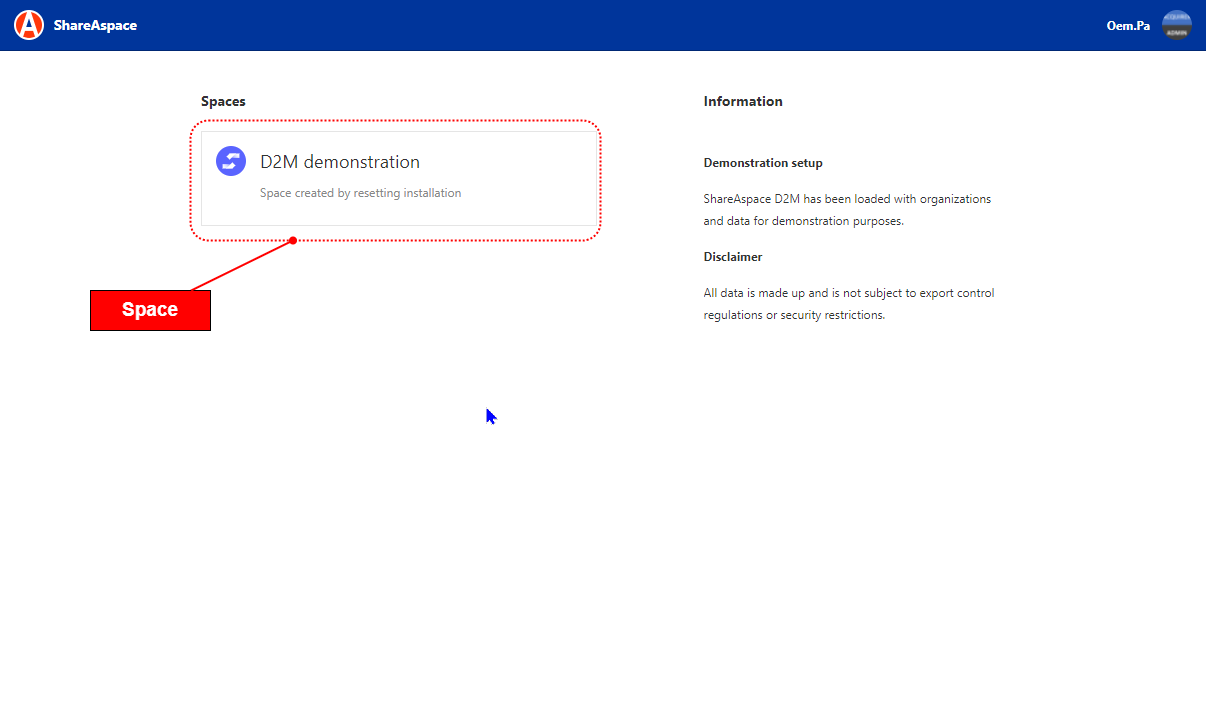
ShareAspace space
The user then clicks on a space to access it. The user is then presented with a set of ShareAspace modules or tiles as shown below. The user's role determines which modules are available to them.
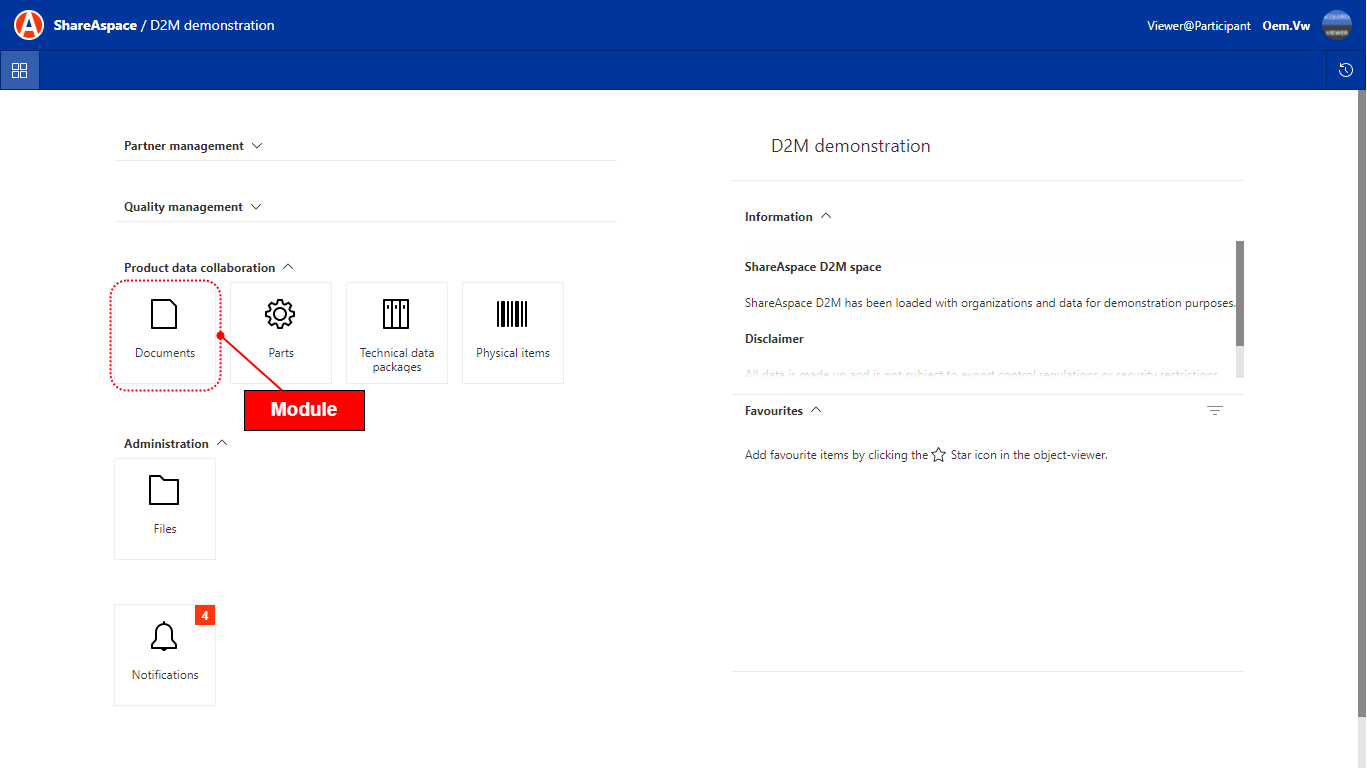
The modules are group together a set of functions for creating, editing and searching for data.
A typical module layout is shown below.
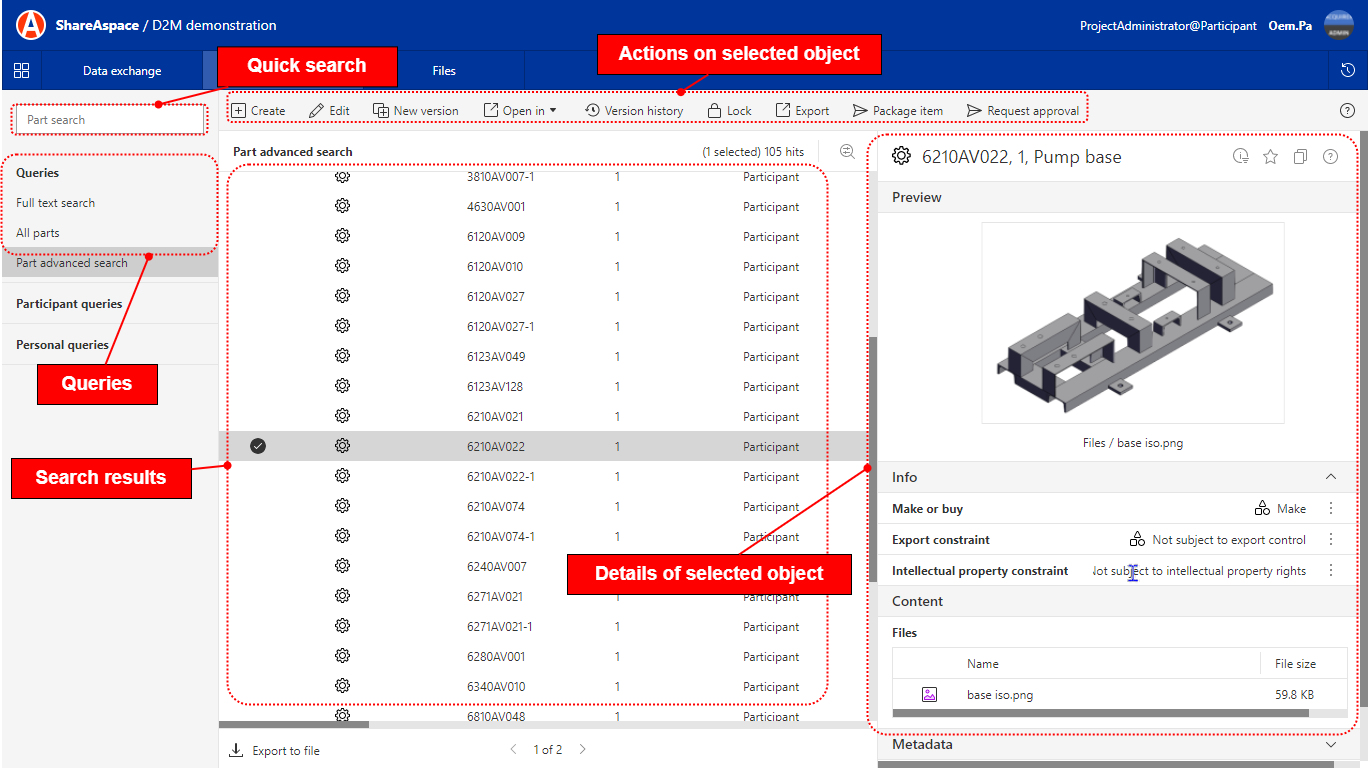
A user is able to search from a module. See section ShareAspace searches.